How to Assign UPC Codes for Kids Optical Frames and Sync to Store Databases?
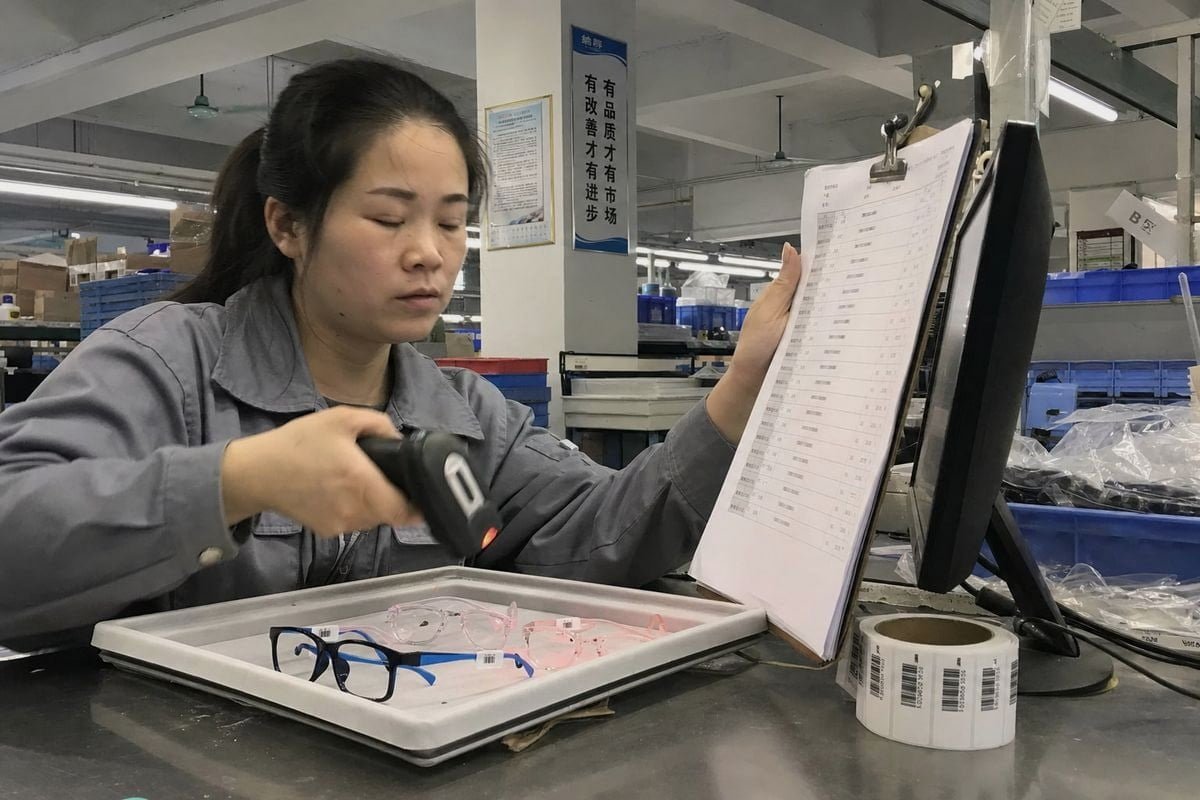
Learning how to assign UPC codes for kids optical frames sounds simple — until a scanner beeps and pulls up the wrong color GS1-issued GTINs 1. On our production line, we see that risk daily.
To assign UPC codes for kids optical frames, obtain GS1-issued GTINs, give every style, size, and color variant its own unique UPC, record it in one master product file, then bulk-import that data into your POS, inventory, and e-commerce systems so every scan matches the exact frame.
That is the short answer. The details matter more. Below, I walk through the full workflow, from GS1 issuance to database syncing, using lessons from real kids eyewear launches.
How do I properly assign UPC codes to each kids optical frame style and color variant?
A buyer in Australia once ordered one of our TR90 frames in four colorways and asked us: is that one UPC or four? It is four — and here is why.
Assign one unique UPC per sellable variant. If a kids optical frame differs by color, eye size, or temple length, it needs its own GTIN. Register through GS1, create the product record, set it to In Use, then generate the UPC-A barcode.

In the eyewear industry, the item-level rule is the foundation of everything else. GS1 standards say each distinct trade item gets its own GTIN (Global Trade Item Number 2). The UPC-A barcode you print is simply the visual form of that GTIN. So when we ship a glossy black frame with royal blue silicone temples and the same model in translucent pink acetate, those are two different sellable items. Each one needs its own code, even though the mold, hinge, and lens shape are identical.
The variant rule for kids frames
Kids frames often carry more variation than adult lines. Children's faces change fast, so a single style may run in two eye sizes and five colors. That is ten unique UPCs, not one. Skipping this step causes mispicks, wrong replenishment, and returns chaos later.
| Attribute changes | New UPC needed? | Por quê |
|---|---|---|
| Color (black vs pink) | Sim | Different sellable item at checkout |
| Eye size (44 vs 46) | Sim | Fit-critical; must scan distinctly |
| Comprimento da haste | Sim | Separate inventory unit |
| Packaging insert only | Usually no | Product itself is unchanged |
| Price change | Não | UPC identifies the item, not the price |
GS1 vs reseller UPCs
Some new brands buy cheap single UPCs from resellers. I understand the cost pressure — many of our clients launch with limited budgets using our existing styles to avoid mold investment. But reseller codes tie the prefix to another company. Marketplaces may flag them, and catalog syncing can break. GS1-issued codes tie ownership to your brand, protect your listings, and keep your supply chain management 3 clean as you scale. For any frame sold through retail, GS1 is the safer route.
What information should I request from my manufacturer to build an accurate product database?
When we prepare OEM shipments from our Taizhou factory, we send buyers a full spec file with every order. The clients who use it well launch faster and cleaner.
Request brand, model number, eye size, bridge width, temple length, color code, material, weight, safety compliance notes, and any factory item number. Map each row to one variant, then attach your UPC and internal SKU to build a complete master product record.
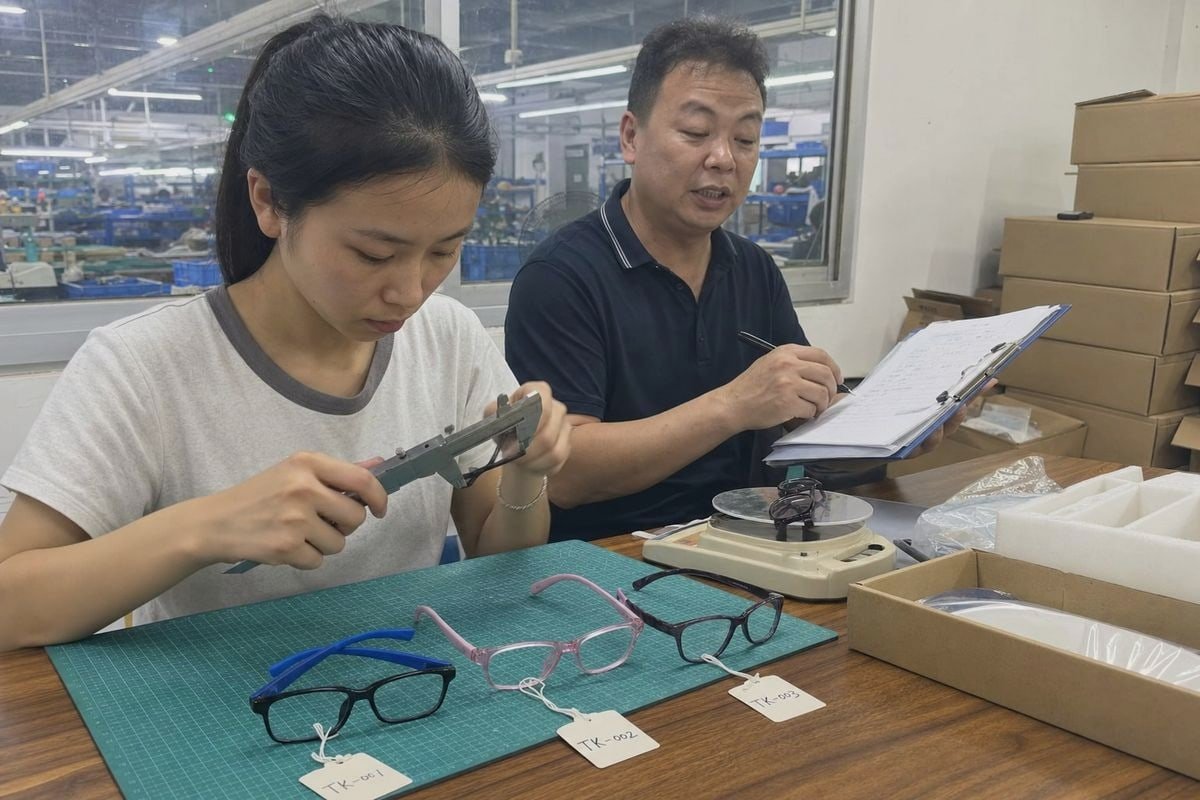
Good product data management starts upstream, at the factory. If your manufacturer only sends a packing list, you will rebuild data by hand and introduce errors. Ask for a structured spreadsheet, one row per variant. Our team supplies this for all custom and stock orders, because we know optical retail software and frame catalogs like Frames Data organize inventory by brand, model, size, and color together.
The fields that matter most
For children's frames, two extra data categories matter beyond standard specs. First, materials and safety. Kids product brands in Europe, Japan, and Australia often need material composition (for us, typically TR90 fronts with TPEE temples) and compliance notes for children's product safety rules. Store these fields against each UPC so recalls or audits are traceable. Second, physical logistics data — weight and dimensions — which your warehouse and shipping systems will demand at onboarding.
| Campo | Example | Used by |
|---|---|---|
| Model number | OK-K1023 | Catalog, POS, reorders |
| Color code | C2 Translucent Pink | Variant identification |
| Eye/bridge/temple | 46-16-125 | Fit, dispensing, sizing filters |
| Material | TR90 + TPEE temples | Safety compliance, marketing |
| Frame weight | 12 g | Shipping, product page |
| Factory item number | Internal reference | Reorder communication |
| Safety notes | Age grading, material safety | Compliance and recall tracking |
Turn the sheet into a master record
Once the file arrives, add your own columns: GTIN/UPC, internal SKU, retail price, and launch date. This single spreadsheet — or better, a PIM system 4 — becomes your single source of truth. Every downstream system imports from it. Never let stores or web teams create product records independently, or the data will drift apart within weeks.
How can I keep my UPC and SKU data consistent across multiple retail and e-commerce platforms?
There is a trade-off I discuss with almost every distributor client: manual entry feels controllable at 20 SKUs, but our catalog alone has around 800 styles. Manual entry does not scale.
Keep one master product file as the single source of truth, map the UPC field identically in every platform, and push updates through bulk imports or API-based data synchronization. Never edit product data directly in individual channels — always update the master first.
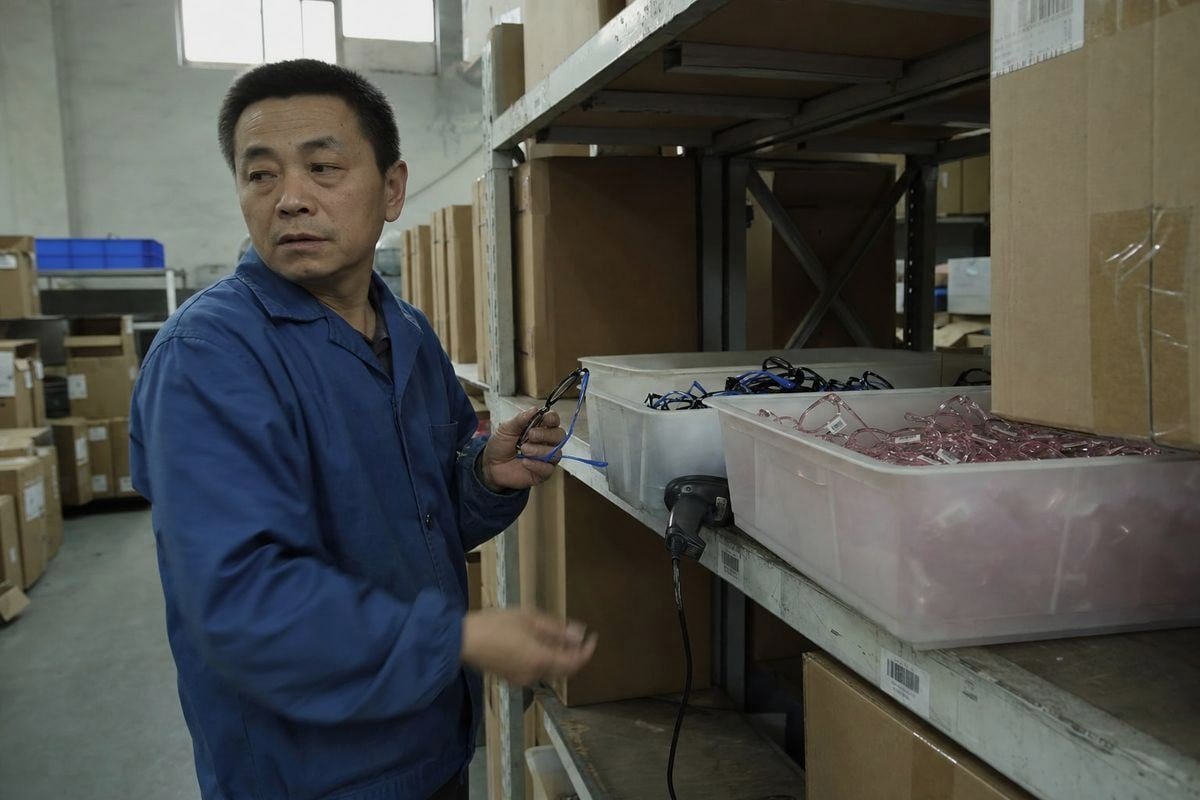
Consistency is a workflow problem, not a technology problem. The pattern that works looks like this:
- Maintain the master record. One file or PIM entry per variant, holding UPC, SKU, brand, model, size, color, price, and images.
- Map fields explicitly. UPC/GTIN goes into the barcode field of your point-of-sale (POS) system 5. SKU goes into your inventory management system's internal ID field. Attributes map to product filters.
- Bulk import, don't hand-type. Most POS, ERP, and e-commerce platforms accept CSV templates or API feeds. Bulk workflows eliminate the typos that plague manual entry.
- Sync in real time where possible. Real-time or scheduled data synchronization between your central database and store systems prevents price mismatches and phantom stock. It also enables clean promotions — multi-buy kids bundles or package deals apply consistently at every touchpoint.
- Audit quarterly. Export from each channel, compare against the master, and fix drift.
One UPC, many systems
The same GTIN should appear in your POS, e-commerce catalog, warehouse system, and optical dispensing software. Specialized optical retail software often stores UPC/EAN alongside frame attributes for fast barcode scanning at the counter, so the scan, the search, and the report all resolve to the same frame. Some retailers also link UPC data to virtual try-on tools, which works only when identifiers match across systems.
Retiring products cleanly
When a kids collection ends, do not delete records. Mark them discontinued and preserve the history. Returns, warranty claims, and reorder analysis all depend on old UPCs remaining resolvable.
What common UPC syncing mistakes should I avoid when launching a new kids eyewear collection?
Years ago, a client launched a beautiful collection built on our flexible TPEE-temple frames — and the labels smudged because they printed barcodes on an office inkjet. The launch stalled for two weeks. That lesson stuck with me.
Avoid reusing UPCs across variants, buying reseller codes, printing untested barcode labels, using standard adhesive tags that damage frames, entering data manually per channel, and skipping scan tests. Each mistake breaks the link between the physical frame and its database record.
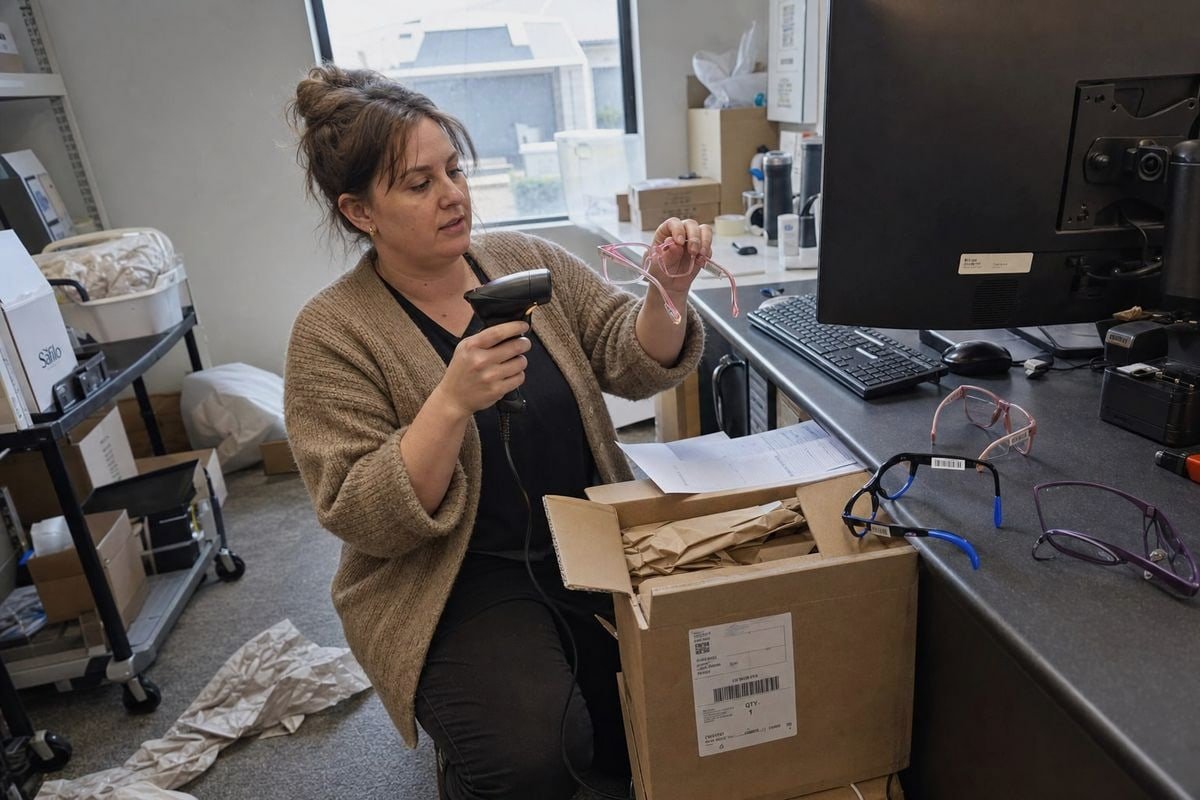
Most syncing failures trace back to a handful of avoidable errors. Here are the ones I see most, with the fix for each.
| Mistake | Consequence | Fix |
|---|---|---|
| One UPC for multiple colors | Wrong variant sold and restocked | One GTIN per variant, always |
| Reseller UPCs | Marketplace conflicts, duplicate IDs | Buy through GS1 with your own prefix |
| Improvised barcode graphics | Scan failures at the register | Use GS1 tools or a compliant barcode vendor |
| Standard sticky labels on frames | Residue or damage on temples | Use dumbbell or rat-tail tags with thermal transfer printing 6 |
| Manual entry per channel | Typos, mismatched records | Bulk import from the master file |
| No scan testing before launch | Checkout failures on day one | Test every label on your actual in-store scanners |
Label placement and printing
Frames are small, curved objects. Barcodes distorted by curves or seams fail to scan. Use dedicated dumbbell-style optical tags, printed on a thermal transfer printer, looped around the temple. Standard adhesive labels can mark soft materials — a real concern with the silicone and rubberized temple tips common on children's frames.
Do not confuse UPC with OPC
The eyewear industry also uses The Vision Council's Optical Product Code (OPC) system 7. OPC is useful within optical trade workflows, but it is not a replacement for GS1 UPCs in consumer retail. If your systems use both, keep a mapping table so each frame record links its OPC, UPC, and internal SKU. Treating them as interchangeable is a quiet but costly error in SKU management.
Test before you ship
Verify check digits, print quality, and scanability with the real scanner hardware your stores use. Then confirm the scan pulls up the correct variant name, size, and price. A barcode that scans but resolves to the wrong record is worse than one that does not scan at all.
Conclusão
Assigning UPC codes for kids optical frames is not a printing task. It is a product identity pipeline — from GS1 GTIN to master record to synced store database to a clean scan at checkout.
Get the manufacturer data right, code every variant uniquely, sync through bulk imports, and test before launch. Do that, and your collection moves from frame to POS without a single misread beep. If you need a partner who ships variant-level product data with every order, our team at OKAY EYEWEAR is ready to help.
Notas de rodapé
1. Explains what a Global Trade Item Number (GTIN) is from the issuing authority. ↩︎
2. Official GS1 page detailing the Global Trade Item Number (GTIN) standard. ↩︎
3. IBM’s definition and overview of supply chain management concepts and processes. ↩︎
4. Adobe’s explanation of Product Information Management (PIM) systems and their function. ↩︎
5. Salesforce’s guide defining point-of-sale (POS) systems and their components. ↩︎
6. Zebra Technologies explains thermal transfer printing technology and its advantages. ↩︎
7. The Vision Council’s official page describing the Optical Product Code (OPC) system. ↩︎
Mais Artigos que Você Pode Gostar

5 de agosto de 2026
Acetato de Celulose Bio-Baseado vs. Regular: Qual a Diferença para Armações Infantis?

5 de agosto de 2026
Quão Recicláveis São os Materiais de Armações Ópticas Infantis e Quais Alternativas Ecológicas Existem?

5 de agosto de 2026
As Armações Ópticas Infantis Branqueiam ou Envelhecem em Armazenamento e Como Controlar as Condições do Armazém?
Procurando um Parceiro Confiável em Óculos Infantis?
Explore mais de 800 estilos prontos e suporte completo OEM/ODM adaptado à sua marca.
Entre em Contato English
  Español de México
  Deutsch
  Français
  日本語
日本語  العربية
  Português do Brasil