How to Request Display and Lightbox Images from Your Kids Optical Frames Supplier?
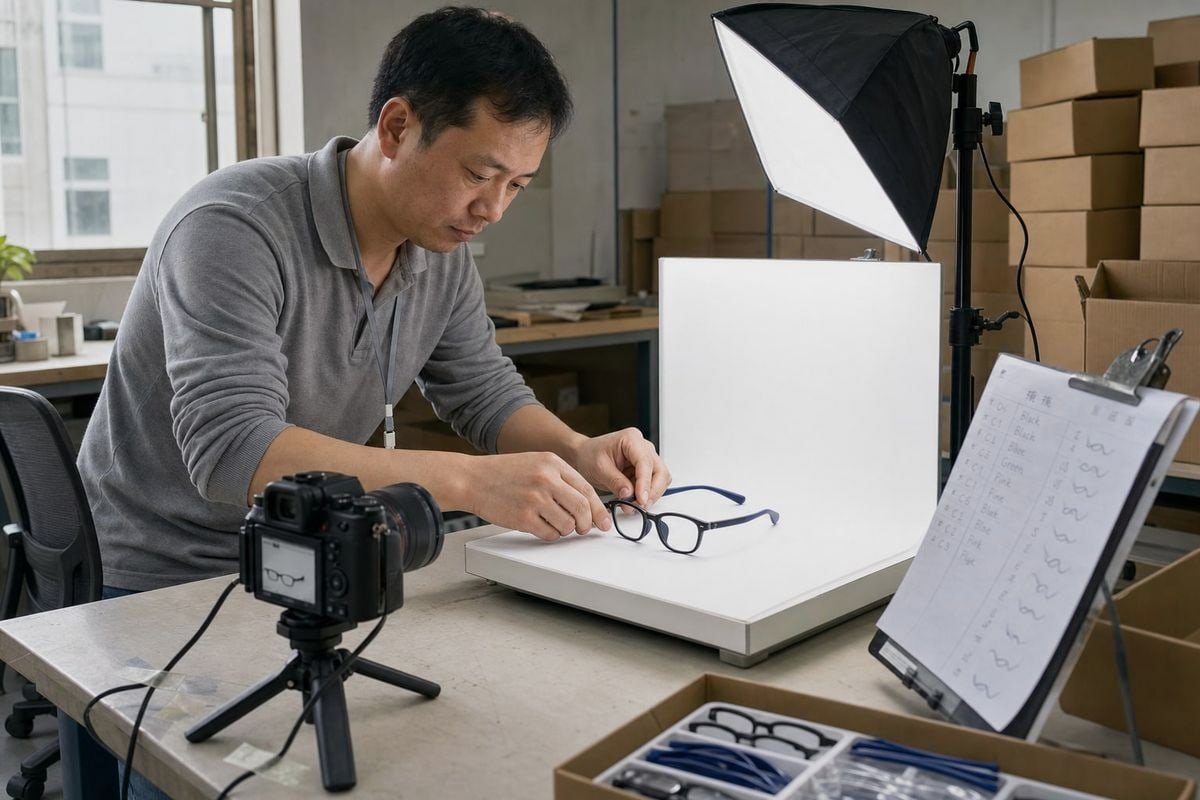
Requesting display and lightbox images from your kids optical frames supplier sounds simple — until vague photos delay your launch. In our Taizhou factory, we see this pain weekly.
To request display and lightbox images from your kids optical frames supplier, send a specific written request listing each style and colorway, required views, resolution, background, file format, naming convention, and usage rights. Specific requests get accurate, marketing-ready images faster than vague ones.
Below, I break down exactly what to ask for, how to keep photos on-brand, what information speeds things up, and how to avoid the delays that stall product launches.
What Types of Display and Lightbox Images Should I Ask My Supplier to Provide?
During a recent OEM project for a European baby brand, our sales team sent 14 image types for one TR90 frame — and the buyer approved the style without a single follow-up email.
Ask for two categories: display images (lifestyle shots, on-model photos, packaging shots, retail-style presentations) and lightbox images (front, side, 45-degree, and close-up studio shots on a neutral background). Together, they cover both marketing use and product verification.

These two categories serve different jobs, so I always encourage buyers to request both. Display images sell the frame. Lightbox images verify the frame. If you only receive polished lifestyle eyewear imagery, you cannot check true color, hinge construction, or inner-surface finish. If you only receive studio shots, your marketing team has nothing for retail store displays or social ads.
The Minimum Image Set to Request
For children's frames 1, detail matters more than for adult eyewear. Parents buy on safety, flexibility, and comfort — and your images must prove those points. Here is the checklist we prepare for buyers at our factory:
| Image Type | Category | Why It Matters |
|---|---|---|
| Front view | Lightbox | Shape, symmetry, lens proportions |
| Side view | Lightbox | Temple design, ear hook curve |
| 45-degree angle | Lightbox | Depth, bridge shape, overall form |
| Hinge and temple close-up | Lightbox | Durability and flexible-material construction |
| Bridge and nose pad close-up | Lightbox | Comfort and slip-resistance for kids |
| Inner surface close-up | Lightbox | Polish quality where the frame touches skin |
| Logo/branding close-up | Lightbox | Print or engraving quality check |
| All colorway shots | Lightbox | True-to-color comparison across SKUs |
| On-model lifestyle shot | Display | Marketing pages and point of sale materials |
| Packaging shot | Display | Retail-ready presentation approval |
| Scale reference image | Either | Confirms sizing matches the target age group |
For our flexible TPEE and TR90 frames 2, the hinge and inner-surface close-ups are the images buyers ask about most. They reveal whether contact areas are polished carefully — a real quality clue, not just a marketing detail. Some suppliers can also provide 3D model files (USDZ or GLB) for virtual try-on, plus safety-first annotated graphics that highlight spring hinges or BPA-free materials 3. Ask early, because these assets are powerful selling tools in the pediatric segment.
How Can I Make Sure the Product Photos Match My Brand's Look and Packaging?
One trade-off we discuss with buyers constantly: fast generic photos versus slower brand-matched photos. A Japanese kids' accessory brand once rejected perfectly good images simply because the background tone clashed with their pastel catalog.
Share your frame branding guidelines with the supplier before photography begins: background color, lighting style, angle preferences, logo placement, and packaging presentation. Then request one sample image for approval before the full set is shot, so corrections happen once, not repeatedly.

Brand consistency is not vanity. Your product pages, backlit display graphics, and wholesale catalogs all pull from the same asset library. If one supplier shoots on warm gray and another on pure white, your catalog looks stitched together — and buyers notice.
Send a Simple Brand Photo Brief
You do not need a 40-page style guide. In our experience exporting to 20+ countries, a one-page brief works best. Include:
- Background: pure white, light gray, or a specific hex color.
- Lighting: soft and even, no harsh shadows, no colored gels.
- Angles: which views you use on product pages, in what order.
- Retouching rules: dust removal only — no color correction that hides the true finish.
- Packaging: whether frames should be shot inside your custom case, pouch, or box.
Request Modular Assets
Ask for modular lifestyle shots with isolated subjects or transparent PNG backgrounds. Your design team can then swap in seasonal backgrounds for holiday promotions without commissioning a new photoshoot. This is one of the most cost-effective forms of wholesale marketing support a supplier can offer.
Approve One Image First
Before the supplier shoots all 800 styles or even ten colorways, approve a single test image. When we run OEM projects with custom colors and logos, this one step cuts revision rounds dramatically. It also confirms the photography matches your packaging tone — critical when the frame, case, and cloth all carry your brand.
Finally, confirm color accuracy 4 against a physical sample. Translucent acetate pinks and two-tone navy rubber temples shift dramatically under different lighting. A photo approved without a sample in hand is a guess, not an approval.
What Information Should I Give My Supplier to Get Accurate Lightbox Images Quickly?
A distributor in Australia once emailed us: "Send photos of the blue kids frame." We had over sixty blue kids frames in our 800-style catalog. That single vague sentence cost four days of back-and-forth.
Give your supplier the exact model codes and colorways, required views, professional image specifications (resolution, format, background), a file-naming convention tied to your SKUs, the deadline, and intended usage. Complete requests remove guesswork and typically cut delivery time in half.
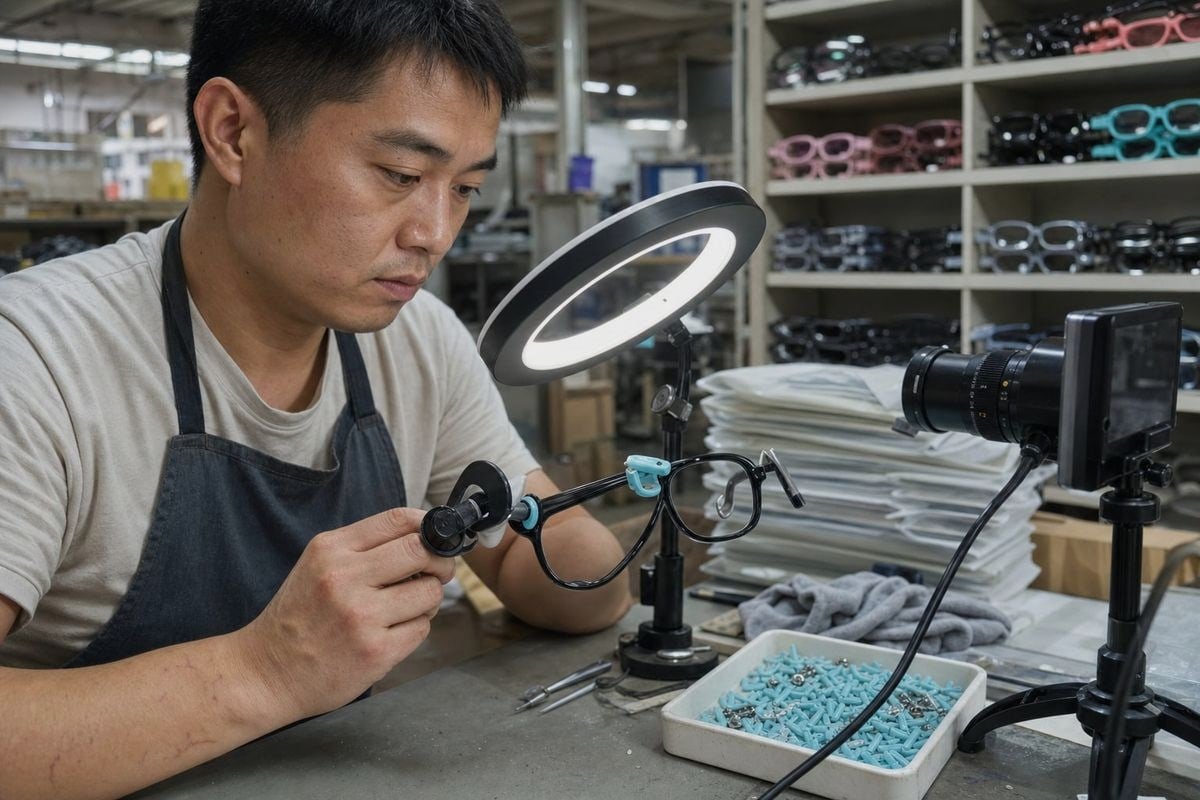
Speed comes from precision. When our team receives a complete brief, high-resolution product photography for an existing style can often ship within days. When the brief is vague, every ambiguity becomes an email thread across time zones.
The Complete Information Checklist
| Information | Example | Why the Supplier Needs It |
|---|---|---|
| Model codes | OK-K1023, OK-K1187 | Identifies the exact frame among hundreds of styles |
| Colorways | Glossy black/navy, translucent pink | Ensures every SKU variant is photographed |
| Required views | Front, side, 45°, hinge close-up | Defines the shot list up front |
| Resolution | 300 DPI minimum, 3000px longest side | Suitable for both web and large-format print |
| File format | JPEG for web, transparent PNG for design | Prevents re-export requests later |
| Background | Pure white or transparent | Matches catalog and marketplace standards |
| Naming convention | ModelCode_Color_View.jpg | Syncs with your inventory or DAM system |
| Aspect ratio | 1:1 for marketplace, custom for lightbox hardware | Prevents awkward cropping or stretching |
| Deadline | Specific date, with time zone | Lets the supplier schedule studio time |
| Intended use | E-commerce, print catalog, retail displays | Determines file size and editing level |
Ask for Raw Files Too
Alongside edited images, request raw or unedited production photos of the actual batch. Raw files show true color and finish before post-production filters are applied. For kids frames — where a soft-touch matte temple can photograph like a glossy one — this protects you from unpleasant surprises at sample stage.
Standardize the File Naming
If your images arrive named IMG_4471.jpg, someone on your team must rename hundreds of files manually. A convention like SKU_Color_View lets your digital asset management 5 workflow sort everything automatically. We adopted structured naming in our own workshop years ago, and reorder consistency checks became far faster for our repeat buyers.
How Do I Avoid Delays When Requesting Marketing Images from My Kids Optical Frames Supplier?
The hardest lesson I learned in fifteen years of eyewear manufacturing: most image delays are not caused by lazy suppliers. They are caused by unclear requests, missing rights agreements, and one-off file transfers that get lost.
Avoid delays by sending one complete written request, agreeing on a delivery date in writing, securing usage rights early, requesting cloud-folder access instead of email attachments, and confirming a single point of contact. Handle marketing images as a defined project step, not an afterthought.

Let me walk through the common delay points and how to close each one.
Common Delay Causes and Fixes
| Delay Cause | What Happens | How to Prevent It |
|---|---|---|
| Vague request | Multiple clarification rounds across time zones | Send the full checklist from the previous section |
| No agreed deadline | Images slip behind production priorities | Confirm a written delivery date with the supplier |
| Usage rights unresolved | Legal review blocks your listings after files arrive | Request a Letter of Authorization with the images |
| Email attachments | Large files bounce; versions get confused | Ask for a shared cloud folder or brand portal 6 |
| Post-sample-only policy | No visuals during early qualification | Negotiate a partial image set before sampling |
Handle the "After Sample Order Only" Objection
Some suppliers only release full image sets after a formal quotation or sample order. That is common, but it slows early-stage qualification. Push back politely: ask for a partial set — front view, hinge close-up, and one colorway — as a good-faith step. Serious factories keep visual merchandising assets ready for existing styles. At our factory, buyers browsing our catalog of roughly 800 styles can receive imagery quickly precisely because those assets already exist; a supplier with nothing on hand is telling you something about their readiness.
Secure Usage Rights in Writing
Never publish supplier photos on your website, marketplace listings, or social channels without written permission. Request a formal usage-rights document 7 covering web, print, point of sale materials, and third-party marketplaces. Getting this at the same time as the files prevents a legal pause right before launch.
Ask for Ongoing Access, Not One-Off Transfers
Negotiate access to a live shared folder or brand portal rather than a single email delivery. Products get color updates. Packaging changes. A living folder means you always pull the current version — and reorders stay visually consistent with what your retail customers expect.
Keep One Point of Contact
Route all image requests through one named person on each side. When three people on your team email three people at the factory, files fragment and deadlines blur. One thread, one owner, one deadline — that discipline alone prevents most delays we see.
Conclusion
Vague image requests stall launches and hide defects. Specific, written requests — with views, specs, rights, and deadlines — turn your kids optical frames supplier into a real marketing partner.
Footnotes
1. CDC vision health resource supports the safety and comfort concerns central to kids eyewear imaging. ↩︎
2. Background on thermoplastic elastomer materials used in flexible children’s eyewear frames. ↩︎
3. FDA page explains BPA safety concerns referenced in the article’s material claims. ↩︎
4. International Color Consortium explains standards behind reliable color accuracy in product photography. ↩︎
5. Explains the workflow concept referenced for organizing supplier image files by SKU. ↩︎
6. Cloud storage background supports the recommendation to use shared portals over email attachments. ↩︎
7. WIPO copyright resource clarifies legal usage rights buyers must secure for supplier photos. ↩︎
More Articles You Might Like

August 5, 2026
Bio-Based vs Regular Cellulose Acetate: What's the Difference for Kids' Frames?

August 5, 2026
How Recyclable Are Kids' Optical Frame Materials, and What Eco-Friendly Alternatives Exist?

August 5, 2026
Do Kids Optical Frames Whiten or Age in Storage, and How to Control Warehouse Conditions?
Looking for a Reliable Kids Eyewear Partner?
Explore 800+ ready styles and full OEM/ODM support tailored to your brand.
Get in Touch English
  Español de México
  Deutsch
  Français
  日本語
日本語  العربية
  Português do Brasil