How to Request 3D Scan Files for Virtual Try-On When Sourcing Kids’ Optical Frames?
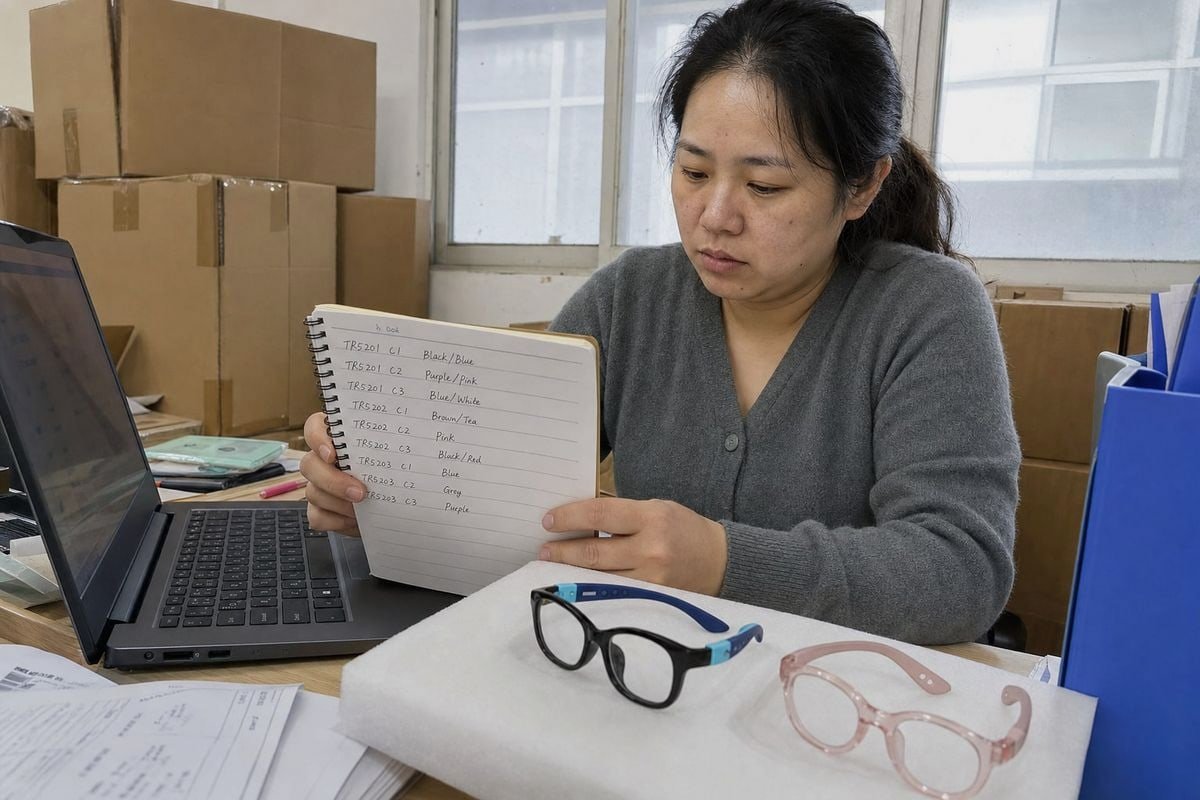
Buyers often ask our factory for 3D scan files for virtual try-on, then receive unusable data, delayed launches, and mismatched kids’ optical frames. That frustration is avoidable with the right request.
To request 3D scan files for virtual try-on, first ask whether the supplier already holds a digital asset for that kids’ frame SKU. If not, specify file formats (GLB, glTF, OBJ), exact frame measurements, colorway textures, polygon limits, and a QA preview before approving the full line.
That short answer hides a lot of detail. Below, I walk through each step in the order a real sourcing conversation should follow. Let’s start with what your supplier needs from you first.
What information do I need to provide before a manufacturer can create 3D scan files for my frames?
Last year, a European kids' brand emailed our Taizhou factory asking for "3D files" of a TR90 frame. We had to send five follow-up questions before we could even quote.
Before a manufacturer can create 3D scan files, provide the exact SKU and size variant, all colorways, target platform (web, app, or in-store AR), required file format, physical samples or CAD references, and the frame measurements you need preserved: lens width, bridge width, and temple length.
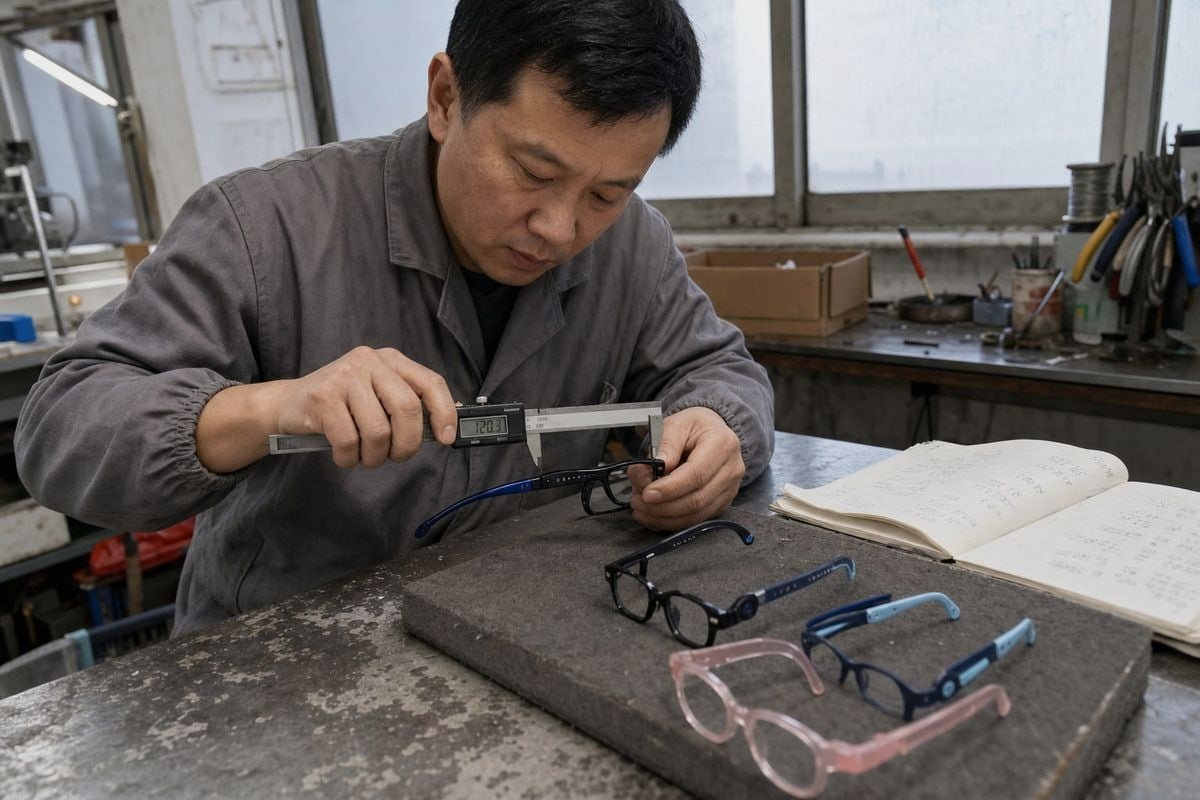
The clearer your brief, the faster and cheaper the digitization work becomes. In our experience serving children's and baby product brands across 20+ countries, incomplete briefs are the single biggest cause of delay. A supplier cannot guess which of your colorways matters most, or whether your eyewear virtual fitting platform needs a lightweight model or a high-fidelity one.
Start with the SKU and the size variant
Kids' optical frames often come in multiple sizes with identical styling. A model built from the wrong size variant will mislead parents about fit. Always state the exact size — for example, "46-16-125" — not just the style name. With roughly 800 existing styles in our catalog, we always confirm the size code in writing before scanning anything.
Decide what you will send: sample, CAD, or images
There are three common inputs, and each affects accuracy and speed:
| Input you provide | Accuracy | Typical speed | الدفع الآمن عبر المنصة |
|---|---|---|---|
| Physical sample for scanning | High, captures real texture | Slower (shipping + scan time) | Frames with flexible TPEE parts or embossed details |
| Native CAD models of glasses | Very high geometry, needs texturing | Fast if files are clean | Frames the factory designed digitally |
| 2D catalog images | Moderate, reconstructed | Varies by vendor | Legacy SKUs with no other source |
Some buyers assume every factory keeps clean CAD models for glasses 1. In reality, older molds may predate digital workflows, so a physical sample is often the safest input. Also tell your supplier about any playful design elements — embossed dot patterns on rubber temples, two-tone color transitions, translucent acetate — because these details need dedicated texture maps to reproduce correctly in 3D product visualization.
Finally, share your platform's technical sheet. Providers differ on node naming, polygon budgets, and material definitions. Handing that document over on day one prevents rework later.
Which file formats should I request to ensure compatibility with virtual try-on platforms?
A trade-off we weigh constantly: a beautifully detailed scan of a flexible temple can be too heavy for mobile augmented reality eyewear apps, while an over-simplified file loses the design charm that sells kids' frames.
Request GLB or glTF as your primary format, since most web-based virtual try-on platforms use them natively. Ask for OBJ or FBX as editable backups, separate texture maps per colorway, real-world scaling in millimeters, and correct node naming for frame, temples, and lenses.
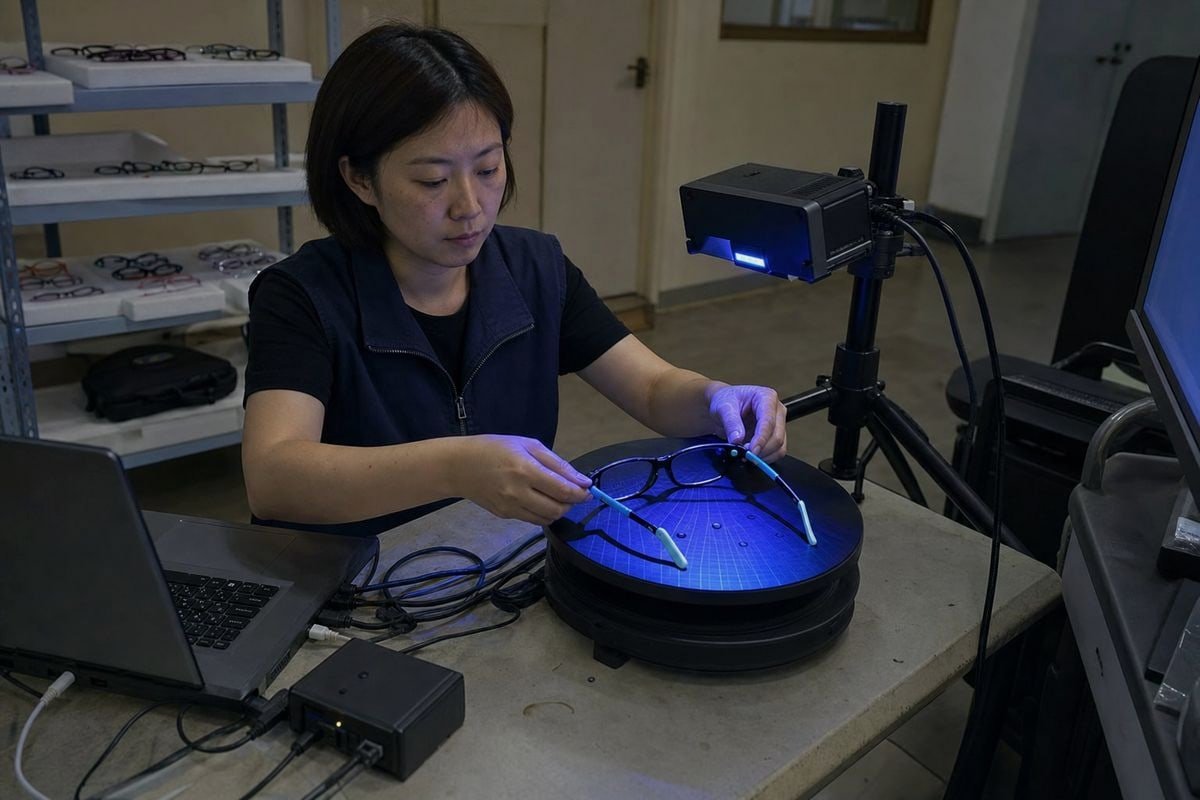
Format choice determines whether your 3D digital assets plug straight into your platform or sit in a folder waiting for expensive conversion. When we prepare digitization briefs with buyers, we walk through three layers: the container format, the internal structure, and the optimization level.
The container format
الـ GLB file format 2 is the practical default for web AR because it packages geometry, textures, and materials into a single file. Its sibling, glTF 3, keeps those elements separate, which some pipelines prefer. OBJ and FBX remain useful as editable sources if you later change platforms.
| Format | Best use | Textures included? | Web AR ready? |
|---|---|---|---|
| GLB | Direct upload to try-on platforms | Yes, embedded | نعم |
| glTF | Pipelines needing separate assets | Yes, external | نعم |
| FBX | Editing, animation, hinge articulation | نعم | Needs conversion |
| OBJ | Universal geometry exchange | Via separate MTL | Needs conversion |
The internal structure
Insist on precise node naming — typically Frame, TempleR, TempleL, LensR, LensL — so the platform can place and articulate parts correctly. Ask for articulation data on hinges if your platform supports opening temples; this matters for demonstrating the flexibility that makes TPEE temples so appealing for active children. Also require realistic material properties: lenses need transmission and roughness values so clear demo lenses render as transparent, not gray.
The optimization level
Request two versions where possible: a lightweight, simplified model for integration testing and fast mobile loading, plus a full-fidelity version for final deployment. Digital twin frames only convert shoppers when they load quickly and look real at the same time. Confirm each colorway ships as its own texture set — a glossy black sporty frame and a translucent blush-pink acetate frame cannot share one material file.
How can I verify the accuracy of 3D scan files before launching my virtual try-on feature?
A lesson we learned the hard way: a distributor once launched a try-on page where our 46mm kids' frame rendered at adult proportions. Parents complained the glasses "looked huge" — the scale flag in the file was wrong.
Verify accuracy by measuring the digital model against the physical frame at three points — lens width, bridge width, and temple length — then test the try-on preview on child-proportioned faces, check colorway fidelity, and require a supplier QA preview before approving the full line.
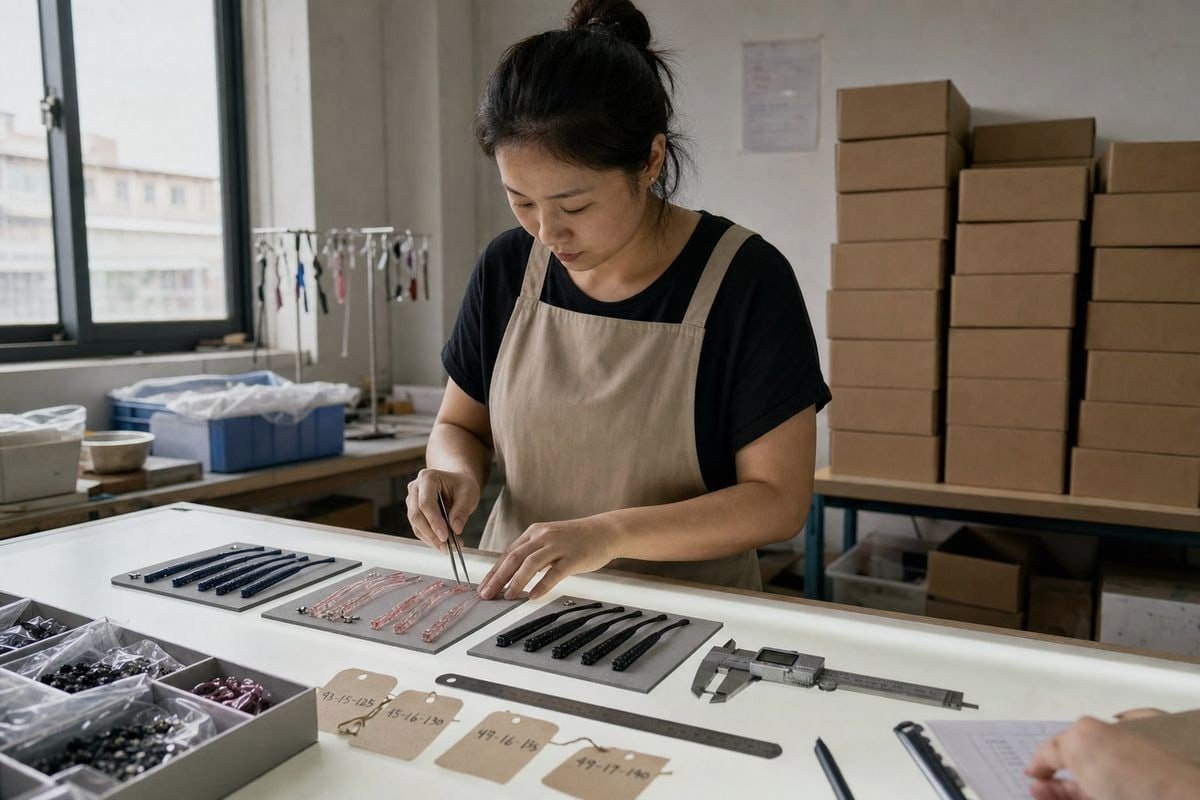
Verification is where kids' eyewear differs most from adult eyewear. Children's facial proportions change dramatically between ages three and twelve, so a model that merely "looks right" on a generic adult avatar can still mislead a parent buying for a five-year-old. Facial mapping technology 4 in modern try-on apps handles the face side, but only if your frame asset is dimensionally honest on the frame side.
Run a three-point measurement check
Open the model in a free viewer and measure the digital geometry. Compare it against calipers on the physical sample. In our 5S-managed workshop, we tolerate only small deviations on molded parts, and your digital twin should match that discipline. Any scale error compounds when the platform combines your frame with a pupillary distance measurement 5 taken from the child's face scan.
Test on realistic pediatric proportions
Ask your platform whether its face models include child anthropometry. Many systems were trained mostly on adult faces. Test the preview with real child users or child-scaled avatars, and confirm the bridge sits plausibly on a low, developing nose bridge — the exact reason we build saddle bridges into many of our TR90 kids optical frames.
Check the visual details
Verify each colorway renders correctly: embossed patterns visible, rubber temple tips matte rather than glossy, translucent acetate showing depth rather than flat color. Then confirm left/right orientation, because mirrored temples are a surprisingly common scanning error.
A simple sign-off rule works well: approve one sample SKU fully before the supplier digitizes the remaining line. This costs a few days and saves weeks of rework.
What should I ask my supplier about costs and lead times for delivering 3D scan files?
During a recent call with an Australian buyer, the first question was not "how much per scan" but "which of your 800 styles already exist digitally?" That question saved her budget more than any negotiation could.
Ask whether each SKU already exists as a digital asset, the per-frame digitization cost, setup or minimum fees, extra charges per colorway, turnaround time per model, revision policy, file ownership rights, and how updated versions are delivered when frames are revised.
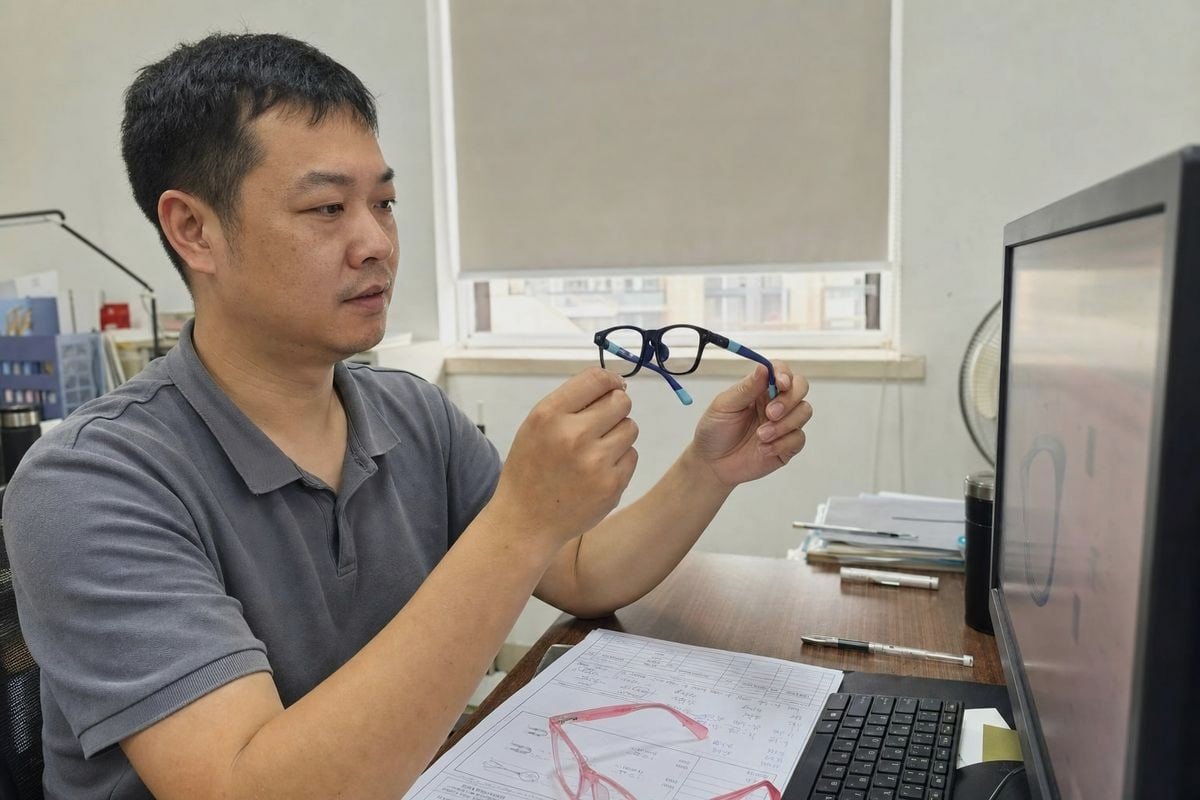
Cost conversations go wrong when buyers treat digitization as a single line item. In practice, it is a small project with setup work, per-unit work, and ongoing governance. Some large try-on providers maintain databases of well over a hundred thousand frames, so database matching should always come before rescan work — if your SKU or a near-identical asset already exists, you skip most of the cost entirely. That is also why sourcing from children's eyewear suppliers with deep existing catalogs lowers your total launch cost: an established style library often means established digital assets too.
The questions that reveal true cost
- Is there a setup fee, or only per-frame pricing?
- Does each colorway count as a separate deliverable, or as a texture variant at reduced cost?
- Are revisions included, and how many rounds?
- Who owns the final files — can you reuse them across e-commerce optical platforms?
- What happens when the frame is updated next season?
Typical lead-time expectations
| المرحلة | Typical duration | What affects it |
|---|---|---|
| Database matching check | 1–3 days | Catalog documentation quality |
| Sample shipping to scan vendor | 3–10 days | Origin country and courier |
| Scanning and modeling per SKU | 3–7 days | Complexity, flexible parts, textures |
| Colorway texture variants | 1–2 days each | Number of colors, translucency |
| QA preview and revision | 2–5 days | How fast you give feedback |
Budget realistically for a full kids' line: a 20-SKU collection with three colorways each is 60 assets, not 20. Ask for volume pricing and a phased delivery schedule so your best-selling sizes go live first. And put asset governance in the agreement — version control, naming conventions, and update responsibilities — because your digital catalog will need maintenance just like your physical one. When buyers work with us on OEM/ODM projects, we recommend aligning the digitization timeline with the production timeline, so the try-on assets are approved before the first shipment lands.
الخلاصة
Requesting 3D scan files for virtual try-on works best in order: check existing assets, specify formats and measurements, verify accuracy on child proportions, then confirm costs, ownership, and lead times upfront.
ملاحظات ختامية
1. Defines Computer-Aided Design (CAD), a fundamental tool in modern product development. ↩︎
2. The Wikipedia article on glTF, an open standard developed by the Khronos Group, includes a dedicated section explaining the GLB binary file format. ↩︎
3. Official specification for glTF, a widely adopted format for 3D asset transmission. ↩︎
4. Explains how facial mapping technology is utilized in virtual try-on applications. ↩︎
5. Defines pupillary distance and its critical role in accurate eyewear fitting. ↩︎
مقالات أخرى قد تعجبك

أغسطس 5, 2026
Bio-Based vs Regular Cellulose Acetate: What's the Difference for Kids' Frames?

أغسطس 5, 2026
How Recyclable Are Kids' Optical Frame Materials, and What Eco-Friendly Alternatives Exist?
أغسطس 5, 2026
Do Kids Optical Frames Whiten or Age in Storage, and How to Control Warehouse Conditions?
هل تبحث عن شريك موثوق به للنظارات للأطفال؟
استكشف أكثر من 800 نمط جاهز ودعم OEM/ODM كامل مصمم خصيصًا لعلامتك التجارية.
اتصل بنا English
  Español de México
  Deutsch
  Français
  日本語
日本語  العربية
  Português do Brasil